


Windows 8 ships with a built-in email client called the Mail app, which offers the ability to connect with your email address via the IMAP service. POP email is not supported in this app.
Windows 8 will open the Mail application. Move your pointer to the upper right corner to reveal the Charms.
This will reveal Settings for Mail.
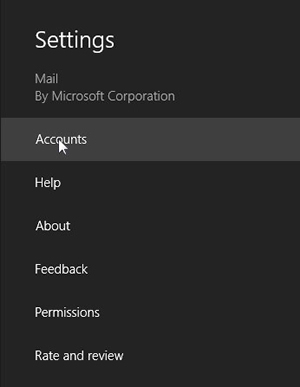
Windows Mail will display something like the following image. There may be other accounts already listed.
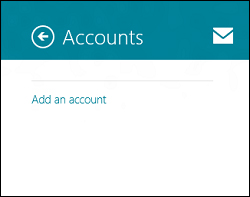
The Add an Account page shows a list of optional services.
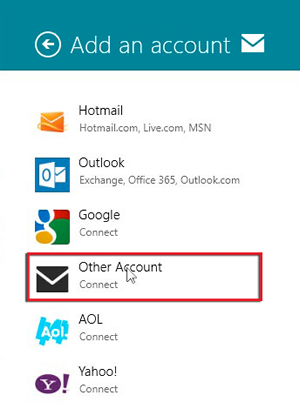
Windows Mail displays Add your Other Account and a minimal details form.
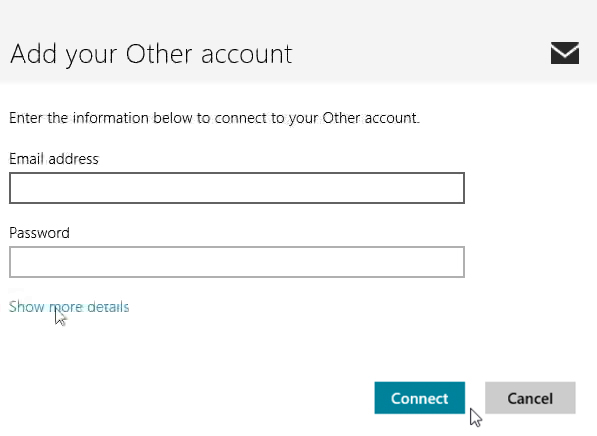
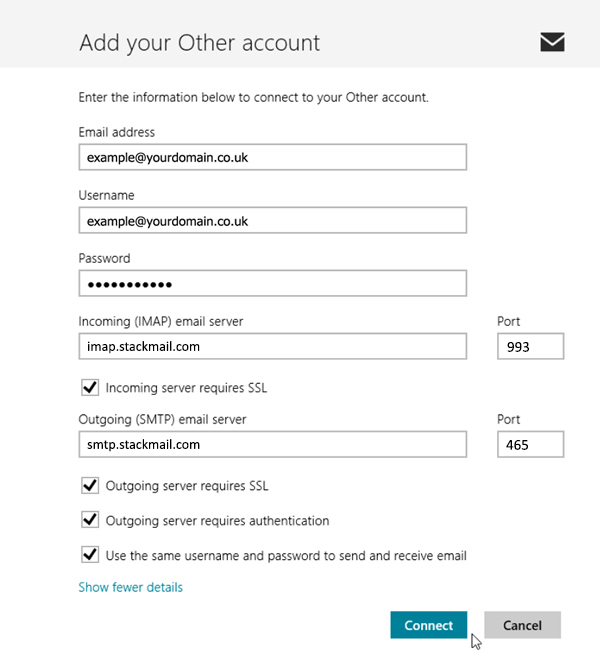
Please enter your complete email account details as shown below. Keep in mind that the Email address below is illustrative. Use your email account details that your where provided with. For guidance read the text below this image:
Contratulations. You will be returned to Windows Mail and will see your Inbox and current messages.