

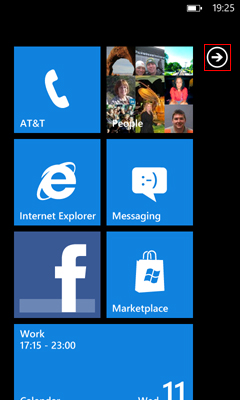
From the Home screen, tap the right arrow or swipe to the right
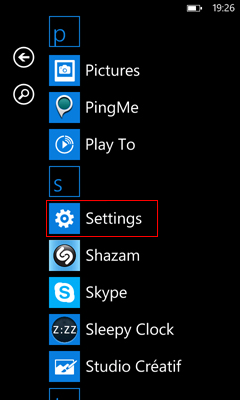
Scroll down and tap Settings.
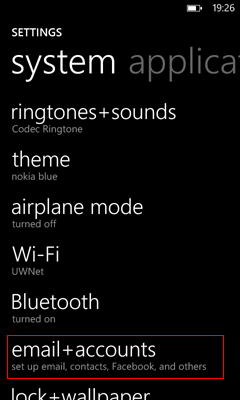
Tap email + accounts.
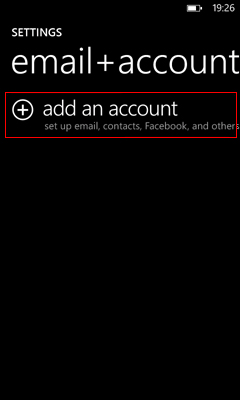
Tap add an account.
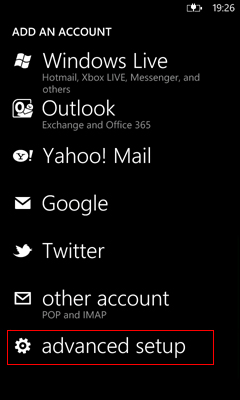
Tap advanced setup.
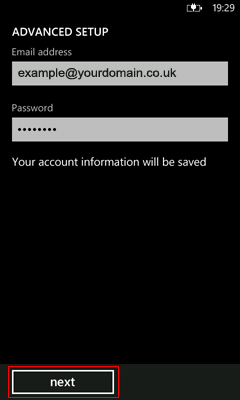
Enter your complete email address:
Enter your email password
Tap next.
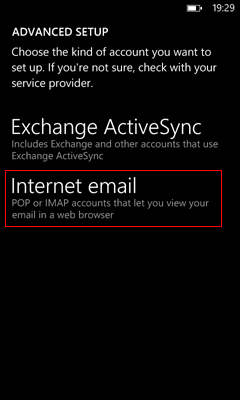
Tap Internet email.
Enter the following:
Tap advanced settings
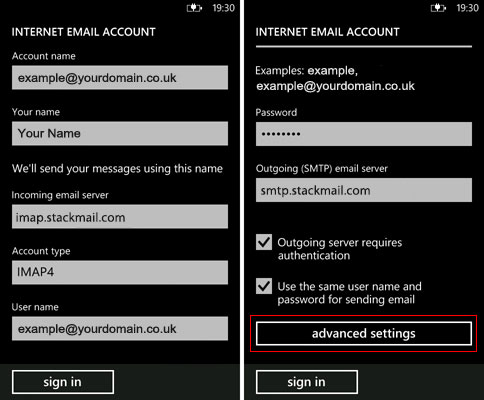
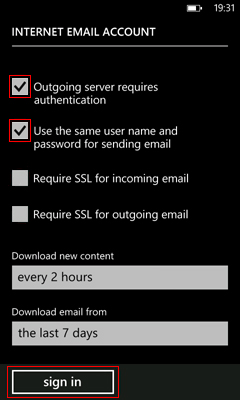
Make sure the following check boxes are checked:
Choose a frequency at which to download your emails from Download new content and how far back your phone will store your emails from Download email from.
Tap sign in
Note: your email will start to download to your device.
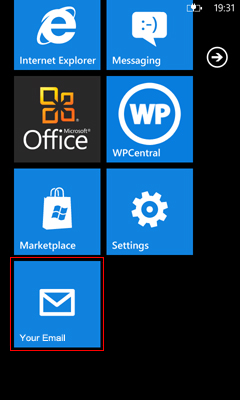
If you go back to the Home screen, you will see a new Live Tile with your new Email account.
When you receive messages, the number of new messages will appear next to the letter icon.